
Preloader
Mini POS offline billing app icon
Mini POSby Parrot Digital

Mini POS: the offline billing app for small shops

Run your whole shop from an Android phone: billing, receipts, stock and baki khata. Mini POS is a fully offline billing app, so it needs no internet, no account and no sign-up.

30-day free trial with every feature. Then one payment, no subscription.

  • Works fully offline
  • No sign-up or account
  • No ads. No data collected.
  • English and বাংলা

Your shop keeps selling when the network drops

Most billing apps stop the moment the internet goes. Mini POS makes every sale, receipt and report on your phone, so a weak connection never holds up a customer. The app does not even ask for internet permission.

Your shop data stays on your phone. Back it up to a zip file with one tap, product photos included, or set automatic backups to any folder you choose.

When the internet goes down
Online billing appsBills, stock and reports wait until the connection comes back.
Mini POSYou keep selling, printing receipts and saving records as usual.

Use Mini POS in English or বাংলা

The full app is in both languages. Switch between them any time.
Mini POS offline billing and POS app for small shops, English version

What you can do with this POS app

Every tool runs on your phone, from the first sale of the day to the closing cash count.

Billing and fast selling

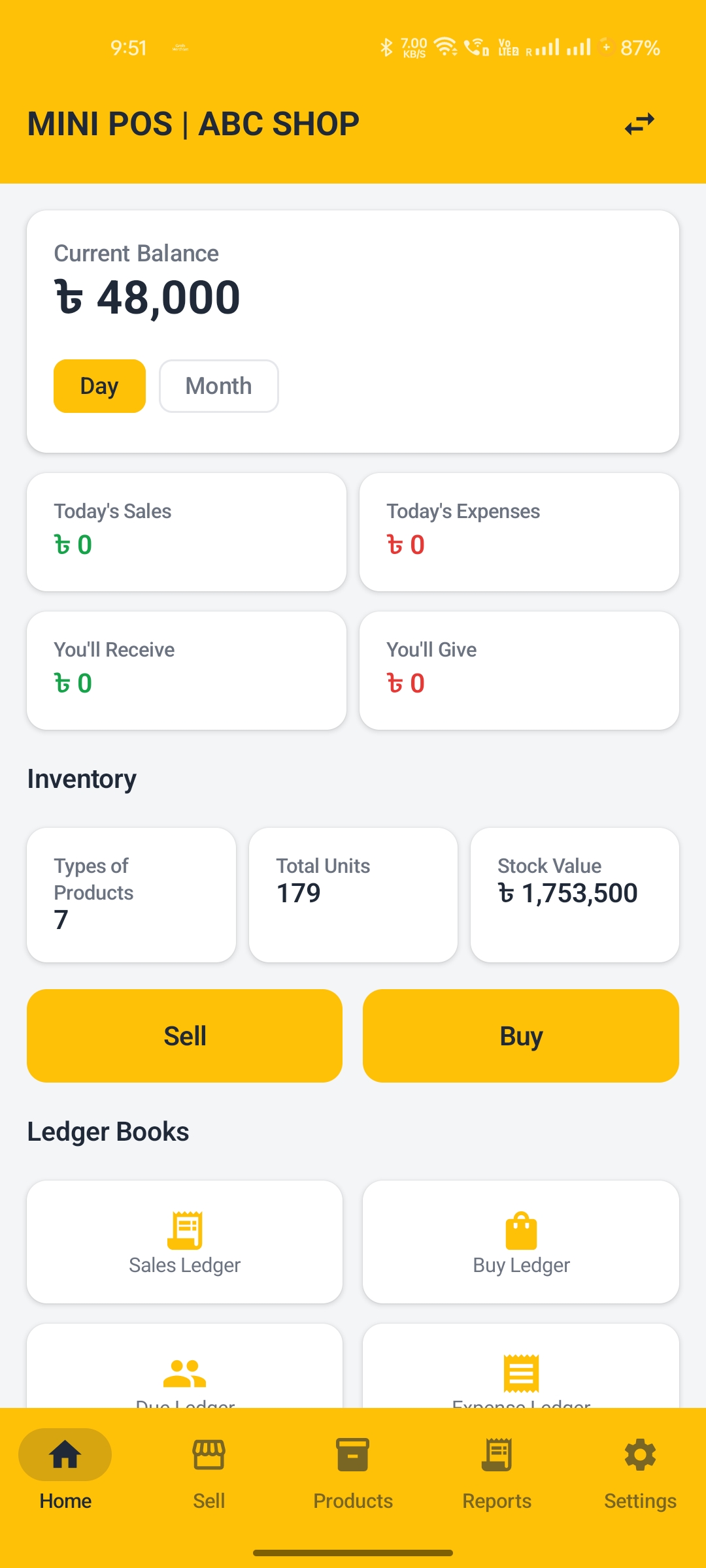
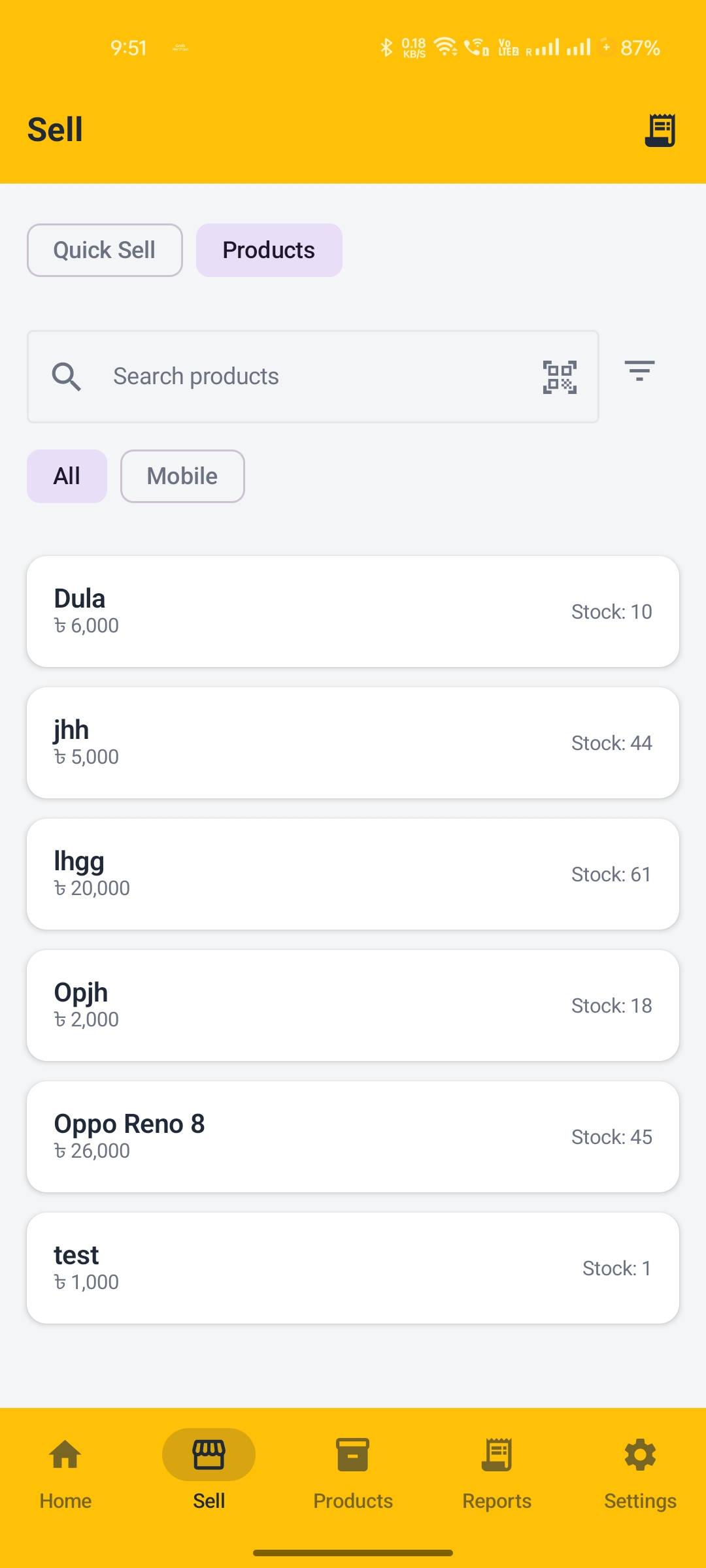
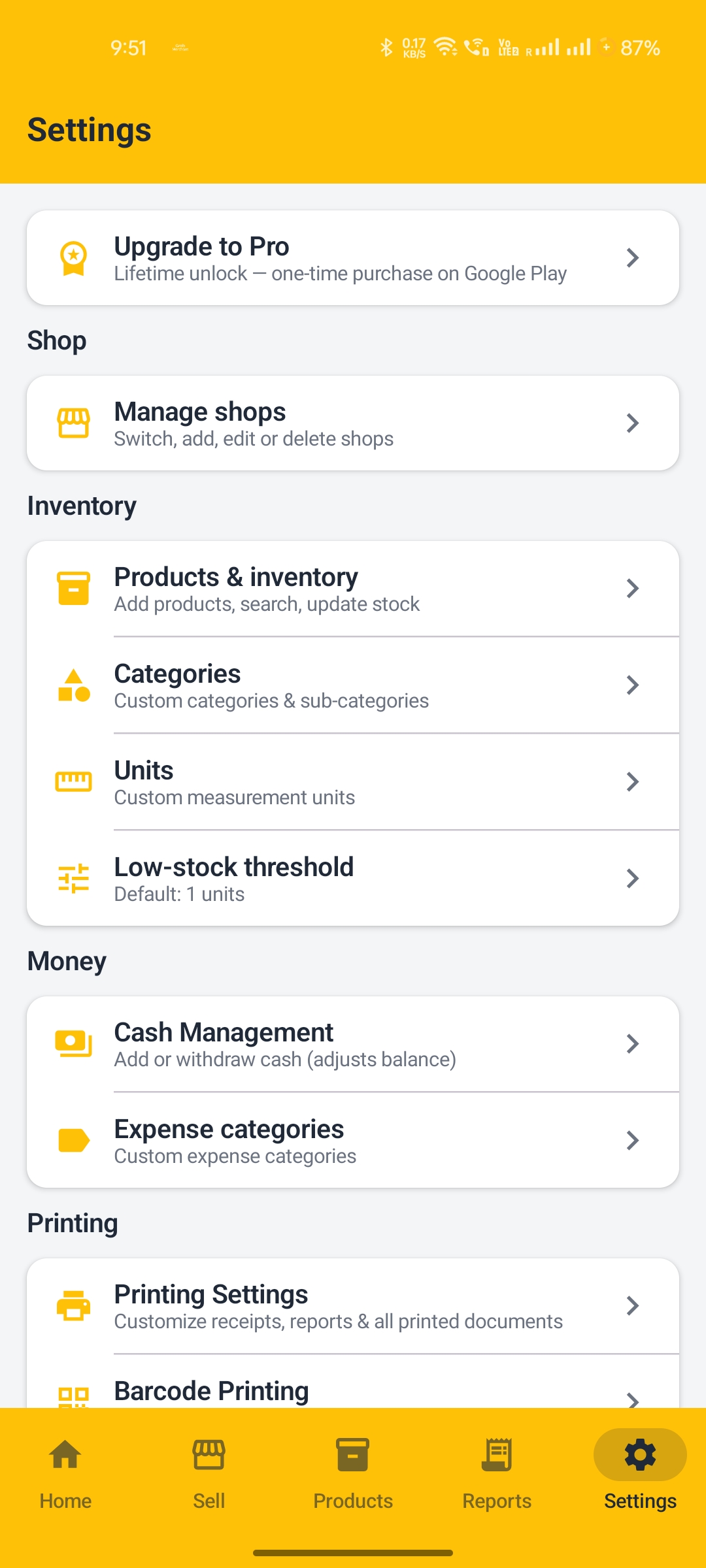
  • Quick Sell for instant amount-only bills
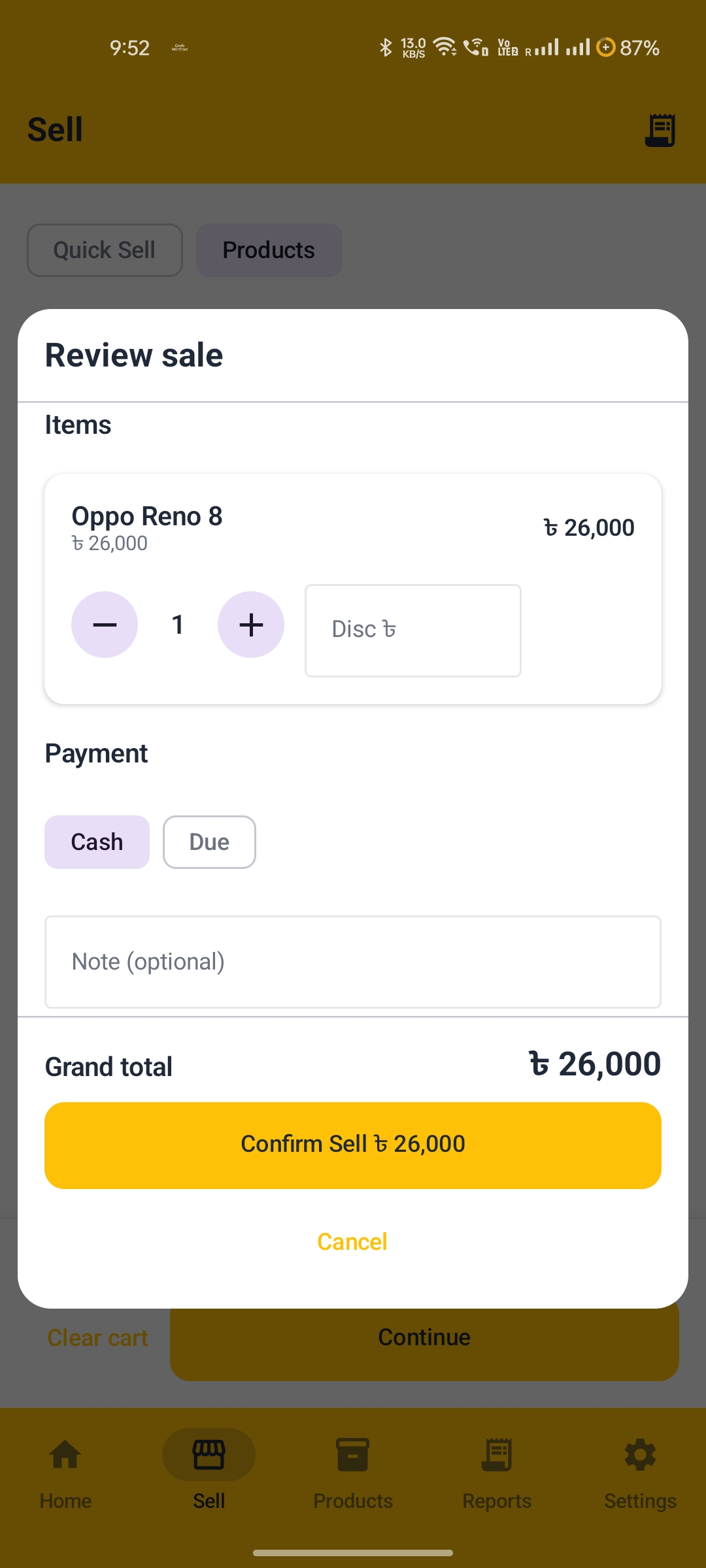
  • Product cart with quantities, per-item discounts and live stock check
  • Scan barcodes with your phone camera to sell, buy or find a product
  • Cash or baki (udhaar) sales with customer selection
  • Print receipts on Bluetooth, USB or Wi-Fi printers, with your shop logo and your own layout

Stock and inventory

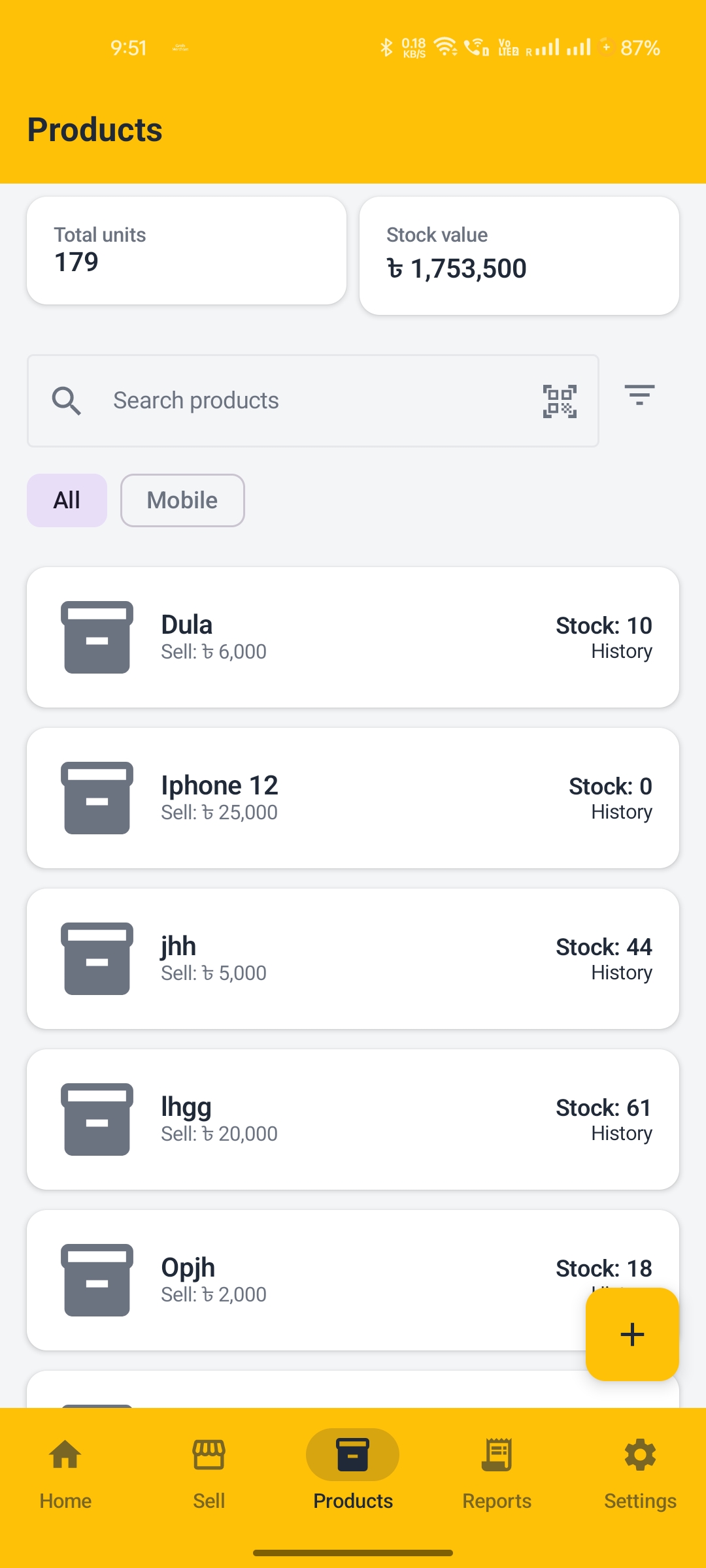
  • Products with photos, categories, sub-categories and units
  • Stock in and stock out, with full movement history
  • Low-stock alerts for your fast-selling items
  • Barcode labels printed from PDF label sheets

Baki khata and ledgers

  • Customer and supplier dues, payments and running balance
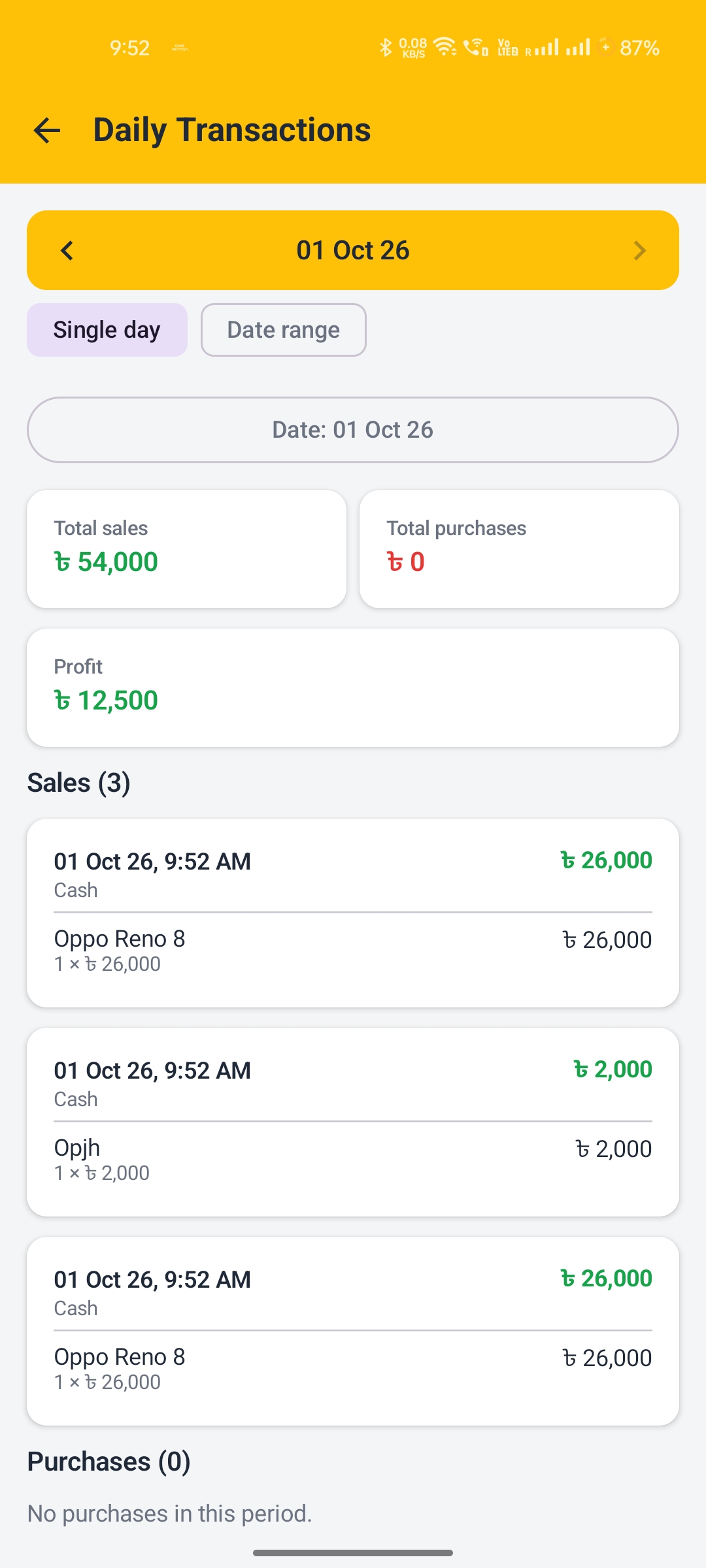
  • Sales, purchase and expense ledgers by day, month or custom dates
  • Daily cash drawer: opening cash, cash in, cash out and closing cash
  • Manual cash add and withdraw

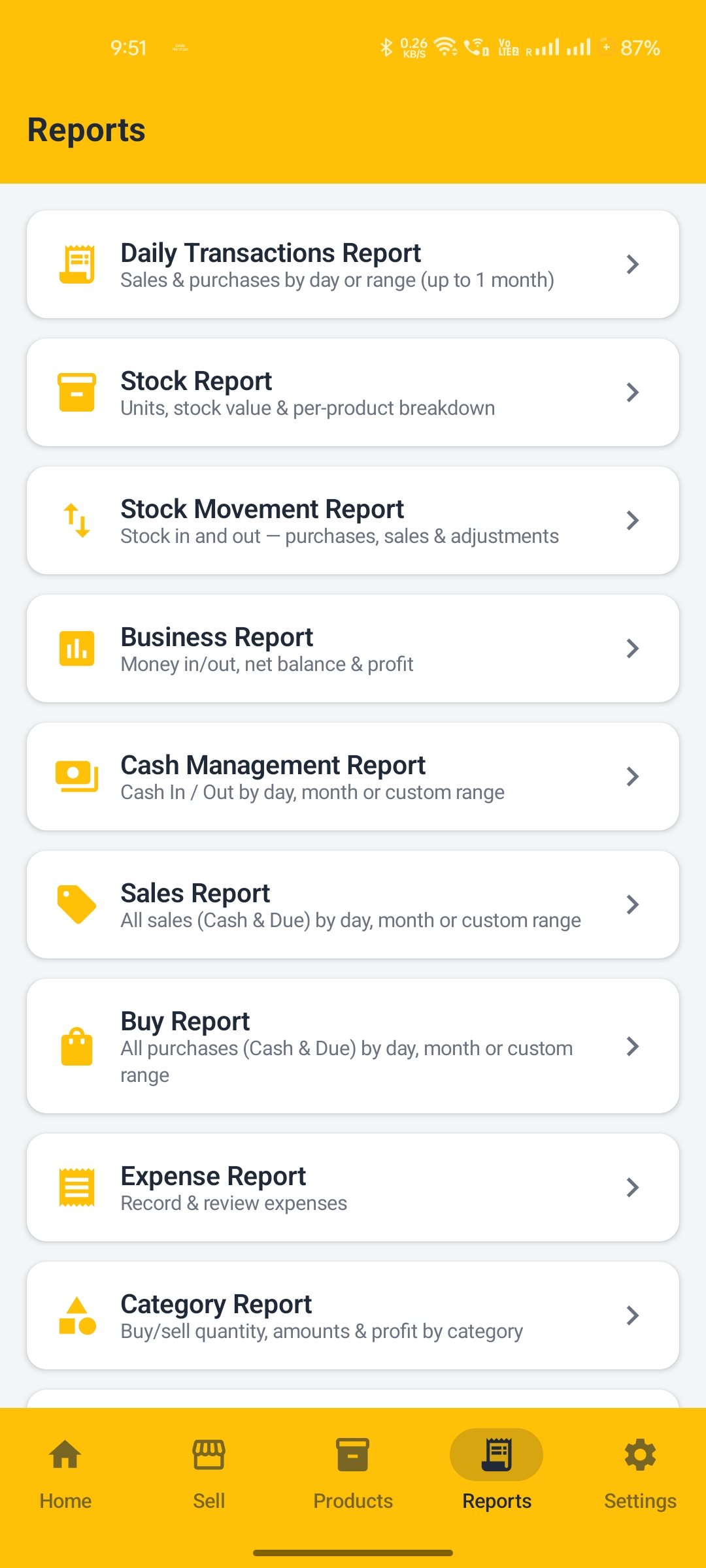
9 business reports

  • Business report with money in, money out, net balance and profit
  • Daily transaction, sales, purchase, expense, stock, cash and category reports
  • Save or print any report as a PDF

More than one shop, kept safe

  • Run several shops in one app, each with separate accounts
  • One-tap zip backup and restore, product photos included
  • Automatic scheduled backups
  • Undo recent transactions from the activity history
Mini POS offline billing app screenshot 1
Mini POS offline billing app screenshot 2
Mini POS offline billing app screenshot 3
Mini POS offline billing app screenshot 4
Mini POS offline billing app screenshot 5
Mini POS offline billing app screenshot 6
Mini POS offline billing app screenshot 7

A billing app for any small shop

Mini POS works on any Android 7.0 or newer phone, anywhere in the world. Shop owners use it for:

  • Grocery stores
  • Pharmacies
  • Clothing shops
  • Mobile and electronics shops
  • Hardware stores
  • Stationery shops
  • Cosmetics shops
  • Any small retail business

Start selling in three steps

  1. Install from Google PlayFree download for Android 7.0 or newer.
  2. Tap to start the free trial30 days with every feature. No account, no sign-up.
  3. Add products and make a saleAdd items with photos or barcodes, then print your first receipt.

Free for 30 days, then pay once

Every feature is open during the trial. After 30 days you unlock Mini POS with a one-time lifetime purchase on Google Play. There is no monthly fee and no subscription.

Free trial30 days
Features in trialAll
Sign-upNot needed
Monthly feeNone
After trialOne payment

Frequently asked questions

Does Mini POS work without internet?

Yes. Mini POS is a 100% offline billing app. Sales, receipts, stock and reports all work on your phone with no internet connection. The app does not ask for internet permission.

Is Mini POS free?

You get a 30-day free trial with every feature. After that, you unlock the app with a one-time lifetime purchase on Google Play. There is no subscription.

Which receipt printers can I use?

Mini POS prints receipts on Bluetooth, USB and Wi-Fi printers. You can change the receipt layout and add your shop logo.

Can I keep a baki khata (due book) in Mini POS?

Yes. You can record customer and supplier dues, take payments and see the running balance for each person.

Is my shop data safe?

Your data stays on your own phone. Mini POS collects no data and shows no ads. You can make a zip backup with one tap or set automatic backups to a folder you choose.

Does Mini POS support Bangla?

Yes. The full app is available in English and Bangla (বাংলা), and you can switch language at any time.

Can I manage more than one shop?

Yes. You can run several shops in one app, and each shop keeps its own separate accounts.

Run your shop from your phone, even with no network

Download Mini POS and start your 30-day free trial today.

Get it on Google Play
Questions? Email contact@jahirulislam.info
Privacy policy  |  Mini POS is made by Parrot Digital, Bangladesh.